Web App Development
  Cloud App Development
  Front-End Development
  Cross Platform Development
  MVP Development
  Application Modernization
  PWA Development
  SaaS Application Development
  Software Development Outsourcing
  Offshore Custom Software Development
  Full Stack Software Development
  Custom Software Development
  Enterprise Software Development
  Cloud Computing Solutions
  Cloud Development
  Managed Cloud Services
  Cloud Native Development
  AI Consulting
  Machine Learning Development
  LLM Development
  AI Chatbot Development
  Data Analytics
  CI CD Development
  Digital Transformation
  Dev Ops
  Content Development
  Blockchain Development
  Web Development
  Web Design



 Generative AI
  Large Language Model
  AI Chatbot
  AngularJs
  ReactJS
  Dotnet Core
  Android
  iPhone
  Swift
Swift  E-Commerce
  NopCommerce
  BigCommerce
  Laravel
  Yii
Yii  AWS
AWS  Google Cloud
  Azure DevOps
  Automation Testing
  Security Testing
  API Testing
  Functional Testing
  MEAN Stack
  MERN Stack
  Full Stack Developers
  biz.encodedots
  biz@encodedots.com
  +91 99747 42737


- What Is an AI Chatbot?
- What Is a Real AI Agent?
- AI Chatbot vs AI Agent: The Core Difference
- Cost Comparison: Chatbot vs Agent
- Timeline Comparison: How Long Each One Takes
- What Customers Actually Notice
- Which One Does Your Business Actually Need?
- Common Mistakes When Choosing Between the Two
- How EncodeDots Builds AI Agents
- Conclusion
- FAQs
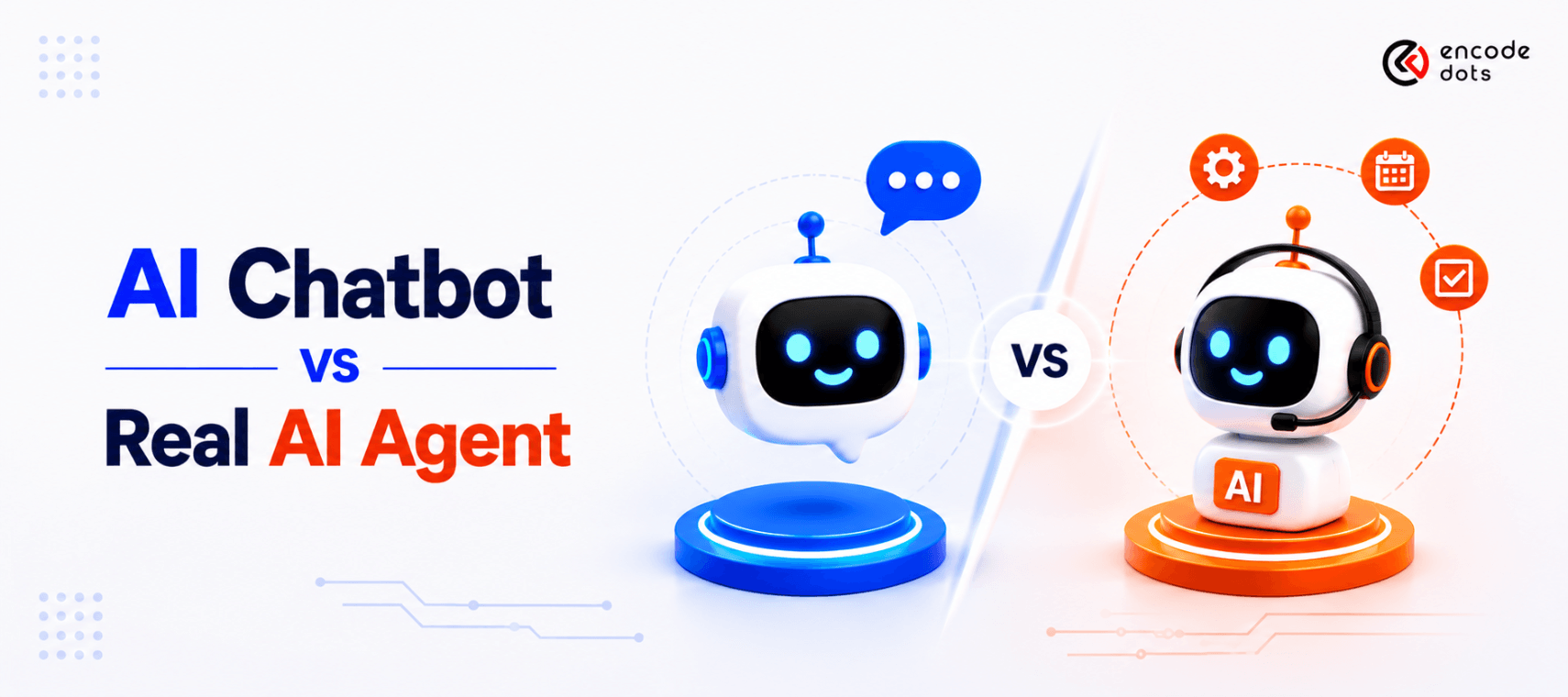
Every founder who calls us this year asks some version of the same question: “Should we build an AI chatbot or an AI agent?” Most of them are using the words interchangeably, and that’s exactly where budgets get wasted, and timelines slip. This guide breaks down the real AI chatbot vs AI agent difference: what each one actually does, what it costs, how long it takes to build, and most importantly, what your customers will notice the moment they start using it.
What Is an AI Chatbot?
An AI chatbot is a conversational tool that answers questions using pre-defined flows, a knowledge base, or a large language model (LLM) wrapped around fixed responses. It talks. It does not act.
Example: A support chatbot on an e-commerce site that answers “What’s your return policy?” by pulling the answer from a help-center article is a classic chatbot. It cannot check your specific order, initiate the return, or update your refund status it can only describe the process.
In short, a chatbot is a question-answering layer, not a decision-making one.
Most chatbots today are built on generative AI (ChatGPT-style models), which makes them sound far more natural than the old rule-based bots from 2018–2020. But sounding natural and acting autonomously are two very different capabilities, and that distinction is the entire premise of this article.
What Is a Real AI Agent?
An AI agent is a system that can reason about a goal, break it into steps, call external tools or APIs, and complete multi-step tasks with minimal human input. It doesn’t just answer, it acts.
Example: An AI agent handling the same return request checks the order in your CRM (Salesforce or Zendesk), verifies the return-eligibility window, initiates the refund through your payment gateway, and emails the confirmation, all without a human touching a single system.
In short: a chatbot describes the process; an agent executes it.
We’ve noticed at EncodeDots that when clients say “I want a chatbot,” roughly seven out of ten of them are actually describing agent-like behavior in their requirement doc; they want the system to do something, not just explain it. That gap between the words they use and the outcome they expect is where most AI project budgets get misallocated.
AI Chatbot vs AI Agent: The Core Difference
The AI chatbot vs AI agent difference comes down to one thing: autonomy. A chatbot follows a conversation. An autonomous AI agent follows a goal.
| Factor | AI Chatbot | AI Agent |
| Core function | Answers questions | Completes tasks |
| Decision-making | None follows scripts/LLM prompts | Plans steps, adapts to outcomes |
| Tool/API access | Rare or none | Core requirement (CRM, payment, calendar, etc.) |
| Memory across tasks | Limited to a single session | Persists across steps and sessions |
| Human handoff | Frequent (for anything beyond FAQ) | Rarely for exceptions |
| Best for | FAQs, lead capture, basic support | Order processing, scheduling, multi-step workflows |
| Underlying tech | LLM + retrieval (RAG) | LLM + RAG + tool-calling + orchestration layer |
In short, if the task can be finished by giving someone information, a chatbot works. If the task requires doing something on a system, you need an agent.
Read More:- RAG vs Fine-Tuning
Cost Comparison: Chatbot vs Agent
Cost is usually the first question in every discovery call, and it’s also where expectations are most misaligned. A basic generative AI chatbot and a production-grade AI agent are not the same investment category.
| Build Type | Typical Cost Range (USD) | What’s Included |
| Basic FAQ chatbot (no LLM, rule-based) | $2,000 – $8,000 | Scripted flows, single channel |
| LLM-powered chatbot (RAG-based) | $8,000 – $25,000 | Knowledge-base retrieval, natural conversation |
| Single-task AI agent (e.g., appointment booking) | $20,000 – $50,000 | One workflow, 1–2 tool integrations |
| Multi-step AI agent (e.g., full support/ops automation) | $50,000 – $150,000+ | Multiple integrations, orchestration, monitoring, guardrails |
Costs vary by integration complexity, data volume, and compliance requirements (HIPAA, GDPR, SOC 2). Treat these as directional ranges, not fixed quotes.
Why agents cost more: an agent needs an orchestration layer, tool-calling logic, error-handling for failed API calls, and guardrails to stop it from taking the wrong action, none of which a chatbot needs. You’re not paying for “smarter conversation,” you’re paying for safe autonomy.
Where the cost is often underestimated: clients budget for the AI model and forget the integration layer, the APIs, authentication, and fallback logic that let the agent actually touch your CRM, ERP, or payment system. In our project scoping calls, this integration layer is consistently 40–60% of an agent build’s total cost, not the AI model itself.
Timeline Comparison: How Long Each One Takes
“How much does it cost to build an AI agent vs a chatbot?” matters less if the timeline doesn’t fit your launch window. Here’s the realistic build timeline for each.
| Build Type | Typical Timeline |
| Basic FAQ chatbot | 1 – 3 weeks |
| LLM-powered chatbot (RAG) | 3 – 6 weeks |
| Single-task AI agent | 6 – 10 weeks |
| Multi-step AI agent (production-grade) | 10 – 20+ weeks |
Why agents take longer: a chatbot’s testing phase is mostly conversational QA, does it answer correctly? An agent’s testing phase includes failure-mode testing what happens when the API times out, when the order doesn’t exist, and when the customer changes their mind mid-task. That testing surface is significantly larger, and skipping it is the single most common cause of agent projects failing in production.
In short: budget roughly 3–4x more time for an agent than for an equivalent-scope chatbot, mostly due to integration testing and guardrail design, not the conversational AI itself.
What Customers Actually Notice
This is the part most comparison articles skip, and it’s the part that actually affects your conversion and retention numbers.
| What Customers Notice | AI Chatbot | AI Agent |
| First message | Feels similar, both can sound natural | Feels similar |
| When the task gets specific | “Let me connect you to a human” | Completes it without a handoff |
| Follow-up questions | Often has to re-explain the context | Remembers earlier context across the task |
| Resolution speed | Fast for simple queries, slow for real issues | Consistent resolution time, even for complex ones |
| Trust after repeated use | Plateau’s customers learn its limits fast | Increases the number of customers who stop double-checking it |
The real insight: customers don’t evaluate your AI on how well it talks. They evaluate it on whether it finished what they came to do. A chatbot that talks beautifully but hands off 80% of real requests to a human agent will frustrate customers faster than a plain, less polished system that actually resolves the issue.
Gartner projects that by 2029, agentic AI will autonomously resolve around 80% of common customer service issues without human intervention, a shift already visible in how customers judge “good AI” versus “good-sounding AI”.
Want to know the exact cost and timeline for your AI project?
Tell us about your business requirements, and we'll provide a customized estimate, implementation roadmap, and technology recommendations. No generic pricing just a plan built for your business.
Get a Free Project EstimateWhich One Does Your Business Actually Need?
“Should I hire an AI agent developer or just get a chatbot?” The honest answer depends on what your customers are actually trying to accomplish, not on which term sounds more advanced.
- Choose a chatbot if: your main goal is answering FAQs, capturing leads, or reducing support-ticket volume for simple queries
- Choose an agent if: customers need something done, booking, refunds, order tracking, account changes, scheduling, or multi-step approvals
- Choose both if: you want a chatbot as the front door (fast, cheap, conversational) with an agent layer underneath for anything that requires action. This is the most common setup we build
“Isn’t an AI agent overkill for a small business?” Not always, yes, sometimes. If your support volume is under a few hundred queries a month and most are informational, a chatbot alone is the right call. Reserve agent-level investment for the workflows that are currently eating the most staff time. Proof: across the workflow-automation projects we’ve scoped at EncodeDots, teams that added agent-level automation to just their top 2–3 recurring tasks, not their entire support stack, saw the fastest payback period. Next step: Talk to our AI solutions team to map which of your workflows actually justify an agent.
“Won’t an AI agent make mistakes it can’t undo?” This is the right question to ask, and it’s why guardrails matter more than model choice. A well-built agent has approval checkpoints for high-risk actions (refunds above a threshold, account deletions, contract changes) and logs every action it takes. Proof: our agent builds include a human-in-the-loop approval step for any action tagged “irreversible,” a design pattern borrowed directly from SOC 2-aligned engineering practices. Next step: Book a technical walkthrough to see how approval checkpoints work in a live agent demo.
Common Mistakes When Choosing Between the Two
- Calling an agent a “chatbot” in the RFP this undersells the scope to vendors and leads to underpriced bids that fail mid-project
- Skipping the integration audit teams scope the AI model, but never check whether their CRM/ERP even has a usable API
- Ignoring failure states that a chatbot that gives a wrong FAQ answer is annoying; an agent that takes a wrong action is a liability. Test for failure, not just success
- Choosing agent complexity, you don’t need to build a five-tool orchestrated agent for a task; a simple chatbot could have handled it in three weeks
A contrarian take worth sitting with: most businesses don’t need a smarter AI model, they need a smaller, better-scoped first workflow. We’ve seen more agent projects stall from scope creep than from technical limitations.
How EncodeDots Builds AI Agents
We approach every AI chatbot vs AI agent decision the same way our Solutions Architects do internally: by mapping the customer’s actual task before touching a model or a prompt.
Our engagement typically starts with a two-week discovery sprint to identify which workflows are purely informational (chatbot territory) and which involve real system actions (agent territory), followed by a scoped proof of concept before the full build. This sequencing has consistently reduced our clients’ rework compared to teams that commit to a full agent build on day one.
Trust signals:
- 500+ AI and software projects delivered across web, mobile, and cloud
- Dedicated Solutions Architect + Technical Recruiter teams for every engagement
- Engagements aligned with GDPR, HIPAA, and SOC 2 compliance requirements where applicable
- Client retention consistently above 90% across long-term engagements
Need experienced AI developers who understand this distinction? EncodeDots helps startups and enterprises design, scope, and build both AI chatbots and production-grade AI agents with the right one recommended, not the more expensive one. Talk to our AI solutions team
Conclusion
The AI chatbot vs AI agent decision isn’t about which technology sounds more advanced; it’s about what your customers are actually trying to get done. Chatbots are faster and cheaper to build when the job is answering questions. Agents cost more and take longer, but they’re the only option when the job involves completing a task on a real system. Start by mapping your top customer requests, not by picking a technology first.
Ready to figure out which one your business actually needs? Book a free AI scoping call with EncodeDots